Integrated Driver Stepper Motor Controller Quick Start
Required Items
P4S-341N, PES-2405N, USB Cable, PC, PHPoC Debugger, SPC Library, Example Source Code
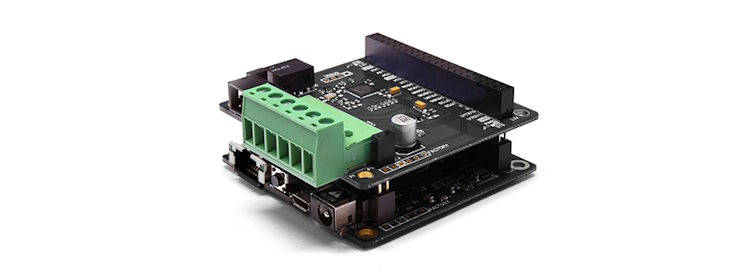
1. Combine PES-2405N on top of P4S-341N
Stack the Stepper Motor Controller II (PES-2405N) smart expansion board on top of the P4S-341N PHPoC IoT board to combine them.
Using the S-type expansion board, you can stack up to 14 smart expansion boards. Smart expansion boards communicate with the PHPoC board using a dedicated communication port in master-slave mode. Each smart expansion board can set its ID number using a DIP switch.
2. Connect Combined Stepper Motor Controller to PC
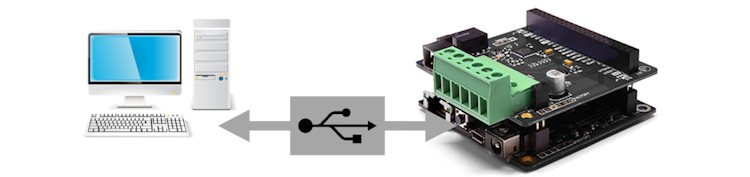
Connect the P4S-341N + PES-2405N to your PC using a USB cable.
3. Run PHPoC Debugger and Connect
PHPoC Debugger is dedicated software used for configuring and developing PHPoC products. Since PES-2405N can be controlled through PHPoC board products, you must install PHPoC Debugger on your PC to use this controller.
Select the port connected to your PC and click the Connect button.

4. Add SPC Library
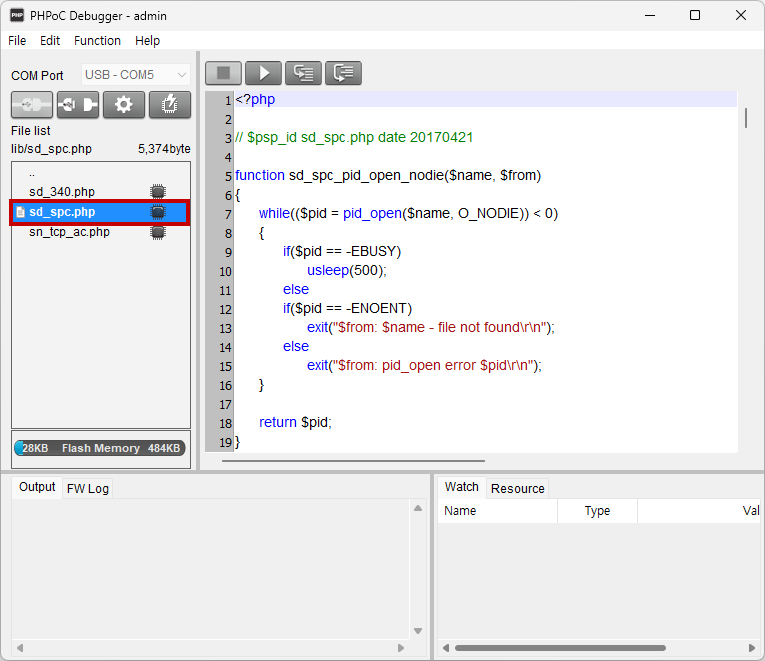
The SPC Library (sd_spc.php) is a library for smart expansion boards including PES-2405N. By adding this library to the product's
lib folder through the PHPoC Debugger, you can control the PES-2405N more easily using already implemented functions.
5. Add Motor Control Source Code
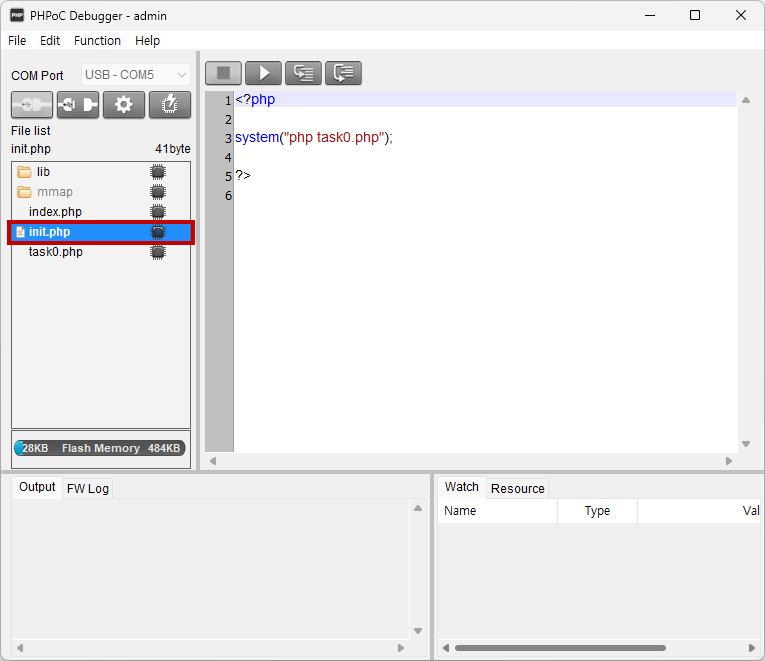
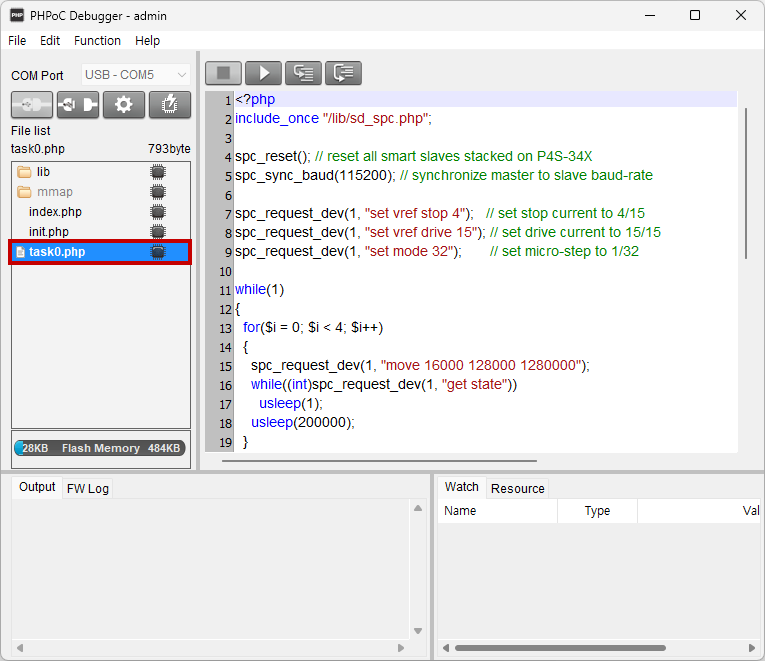
Modify init.php and task0.php to write and upload source code for motor control operations.
Reference Sites